
Course access
ETB 699 · one-time
 Private Telegram course
Fullstack website development
Afaan Oromoo
Make your achievement official
After you complete the course, receive a certificate with your name, a QR code and your own verification link.
See a small sample
A sample only. Your issued certificate has your name, its own number and a QR code to verify it on Fulbek.
Certificate fee
299 birr
Already paid before this course moved to Fulbek? Your instructor can recognize your earlier purchase. You don't have to buy it again.
Buy this certificate separately, or tick “I want a certificate” when buying the course. No sign-in needed to pay. Use this email with Google to collect your certificate after completion.
A course completion certificate, not a degree or government qualification.
Clear curriculum
11 public lesson outlines
Exam focused
Built for practical study
Verified payment
Fulbek confirms access
Private delivery
Telegram delivery verified
About this course
Read the full course overview and topics
About this course
Read the full course overview and topics
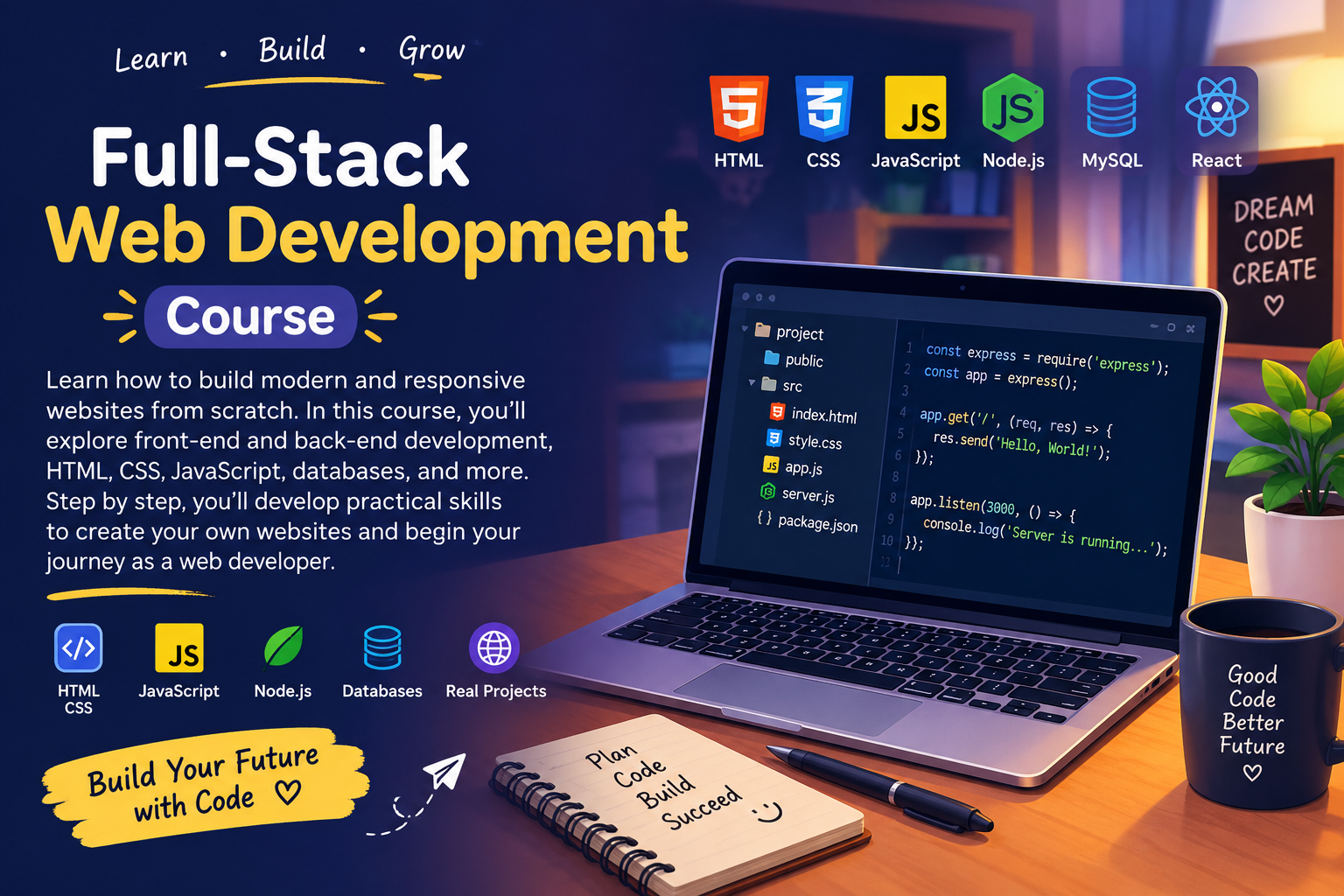
Learn how to build modern and responsive websites from scratch. In this course, you’ll explore front-end and back-end development, HTML, CSS, JavaScript, databases, and more. Step by step, you’ll develop practical skills to create your own websites and begin your journey as a web developer. 💻🚀
Course outline
11 lessonsOpen all lessons, then tap any lesson to preview its outline.
Course outline
11 lessonsOpen all lessons, then tap any lesson to preview its outline.
Full lesson content is delivered inside the verified private Telegram course after enrollment.
1Getting Started with Software Development
Learn the basics of software development and prepare your computer for coding. Get introduced to Visual Studio Code (VS Code), understand its purpose, and follow the steps to install and set up your coding environment.
2Introduction to Programming
Understand what programming is and how it works through simple explanations and beginner-friendly examples. Learn how programmers give instructions to computers and discover the fundamental ideas behind writing code.
3Introduction to Next.js and Why We Use It
Discover what Next.js is and why developers choose it for web development. Explore its main benefits, understand how it helps build modern web applications, and learn how it fits into the development process.
4Next.js — Part 1
Begin working with Next.js and learn the initial steps involved in setting up a web development project. Follow the practical walkthrough to understand the development environment and prepare for building your first web application.
5Build Your First Web App — Next.js Part 2
Put your Next.js knowledge into practice by creating your first web application. Follow the project walkthrough, explore the application structure, and see how your code becomes a working website.
6Creating GitHub and Vercel Accounts
Learn how to create your GitHub and Vercel accounts. Understand the purpose of each platform and how they help you manage your code, publish your projects, and make your websites accessible online.
7GitHub, VS Code and Vercel Deployment
Learn how to connect VS Code with GitHub, manage commits, push your code to a repository, and deploy your project using Vercel. Follow the complete workflow and learn how to configure a project domain.
8Installing Node.js and Next.js — Troubleshooting
Follow practical instructions for installing Node.js and Next.js. Learn how to check your installation, fix common issues when VS Code cannot detect Node.js, and troubleshoot Windows PowerShell execution-policy errors.
9JavaScript Fundamentals — Part 1
Create your first HTML file and write real JavaScript code. Learn how to connect a JavaScript file to HTML, use variables, display output with console.log(), store basic information, and perform simple calculations.
10JavaScript, HTML and CSS — Parts 2–4
Continue learning how HTML, CSS, and JavaScript work together to create websites. Follow the practical coding lessons to develop your understanding of web page structure, styling, and interactivity through hands-on examples.
11Live Sessions, Assignments and Project Troubleshooting
Review practical work from the live sessions and strengthen your development skills through assignments. Troubleshoot GitHub commit problems, Vercel deployment errors, Node.js installation issues, and Next.js project setup with guided demonstrations.